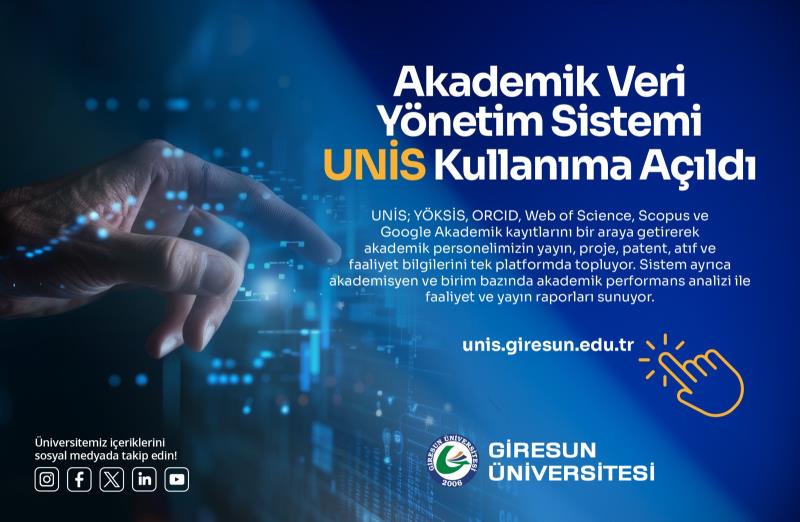
An eight-episode video series explaining, step by step, how to use UNİS, the Academic Data Management System, has been published on our Coordinatorship’s YouTube channel and on the Quality Screen page at kalite.giresun.edu.tr.
The series consists of an introductory episode and a seven-part “UNİS How-To” set. The episodes cover signing in and first steps, filling in index and link fields, managing publications and missing records, updating your profile and CV, adding the UNİS link to unit websites, the screens available to authorised users, and finding your ORCID, Web of Science, Scopus and Google Scholar IDs.
UNİS enables our academic staff to manage their publications, projects, citations and academic identifiers from a single, up-to-date and verifiable source. The series aims to help every faculty member enter and maintain their own data with ease, so that the completeness of the system does not depend on any single person.
Keeping the system well fed strengthens a chain that runs from institutional reports to unit web pages: the academic data used in the Institutional Self-Evaluation Report and the Unit Self-Evaluation Reports, the monitoring of strategic indicators, and the academic profiles shared with the public all become verifiable from the same source. In this respect, the series is a concrete step for the culture of data-informed decision-making and the responsibility of informing the public.
The new series appears on the Quality Screen with its own player and episode list, added as the third series alongside “Quality in One Minute” and “GİMER”. Episodes can be watched one by one or in sequence through the playlist.
New episodes will be accessible from the same page as they are added. To stay up to date, you can subscribe to our YouTube channel.
You can read our news story on the launch of UNİS here, and watch the video series on the Quality Screen page.